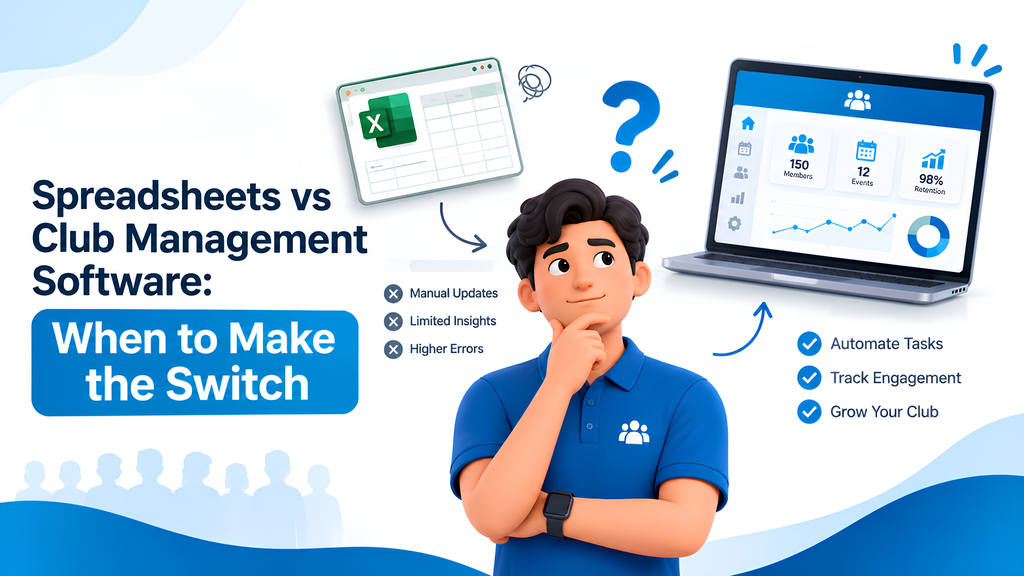
Spreadsheets vs Club Management Software: When to Make the Switch
Almost every club starts with a spreadsheet. A list of names, phone numbers, membership type and a "Paid?" column. It's free, it's familiar, and for the first 30 members it works perfectly.
Then the club grows. The sheet gets more tabs. A second person starts editing it. Somebody sorts one column but not the others. The treasurer keeps a separate sheet for payments. Event RSVPs live in WhatsApp. And at the AGM, nobody can say with confidence how many paid-up members the club actually has.
At some point the spreadsheet stops saving time and starts costing it. Here's how to tell when you've reached that point.
What spreadsheets do well
To be fair, spreadsheets are good at:
- Simple lists with a few columns.
- One person maintaining the data.
- Quick calculations and one-off reports.
- Costing nothing.
If your club has 30 members, one admin and one event a month, a spreadsheet may be all you need.
Where spreadsheets break down
No single source of truth
The membership secretary has one file, the treasurer has another, and the events lead has a WhatsApp poll. They never quite match.
Everything is manual
Renewal reminders, payment follow-ups, event invitations and attendance counts are all done by hand, usually by unpaid volunteers.
Members can't help themselves
A member who wants to update their address, pay dues or register for an event has to message someone and wait.
Data walks out of the door
When the secretary steps down, the "real" file is often on their personal laptop or Google account. The next committee starts from scratch.
Privacy risk
Spreadsheets with members' phone numbers, addresses and dates of birth get emailed, downloaded and forwarded. You have no control over who has a copy.
The hidden cost of "free"
Spreadsheets cost nothing to buy. They cost a lot to run.
Add up the volunteer hours spent each month on chasing dues, sending reminders, counting RSVPs, reconciling payments and answering "am I paid up?" messages. For a club with 150–200 members it's easy to reach several hours a week. Those are hours your volunteers could spend on members, events and growth, or simply not burning out.
Then add the dues you never collected because nobody chased them.
7 signs it's time to switch
- You have more than about 75 members, or are growing fast.
- More than one person needs to update member data.
- You chase late payments every month.
- Members ask "am I paid up?" and you have to check.
- You run more than two events a month.
- You've had a committee handover where data was lost.
- Your volunteers say admin is the worst part of the role.
If three or more apply, you'll save time from the first month.
How to switch without chaos
- Clean your spreadsheet. Remove duplicates, fix phone numbers and email addresses, and mark each member's type and expiry date.
- Set up membership types and fees in the new system.
- Import members from the cleaned spreadsheet.
- Invite members to log in and check their own details. They'll fix what you got wrong.
- Switch payments and events over for the next renewal cycle and the next event.
- Archive the spreadsheet. Keep a copy, but stop updating it.
The best time to switch is just before renewal season, so every member's payment starts in the new system.
Frequently asked questions
Can I import my existing membership spreadsheet?
Yes. Most club management platforms, including LAB OF CLUB, let you import members from a spreadsheet, so you don't start from scratch.
Is club management software expensive?
Not necessarily. Many platforms offer free or low-cost plans for smaller clubs, and the volunteer time saved usually outweighs the cost.
Will older members be able to use it?
If the platform is mobile-friendly and simple, yes. Members who prefer not to log in can still be managed by the committee as before.
Give your volunteers their evenings back
[Start free with LAB OF CLUB](https://app.labofclub.com/register) to import your member list, collect dues online and send renewals automatically. Your spreadsheet can finally retire.